
How do I find my application?
Under the section ONLINE SERVICES you will find a collection of forms and applications from various sources.
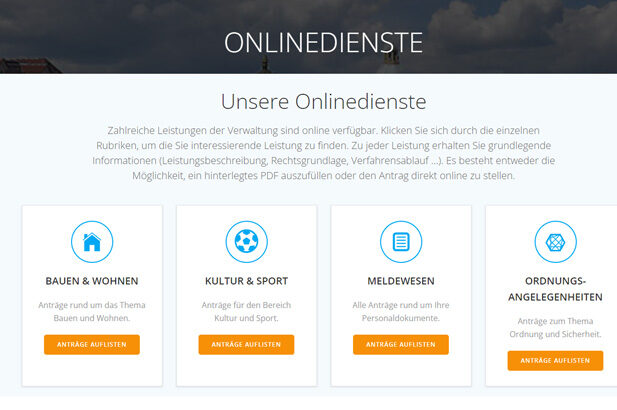
Step 1: Choose the appropriate category
On the overview page select the approriate category. For example, if you want to apply for a birth certificate, choose the area of IDs and documents.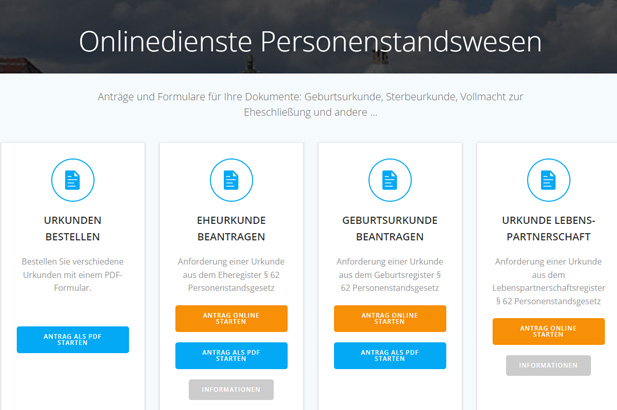
Step 2: Choose the appropriate application
In the area IDs and documents you will find several applications. Some can be filled out online (orange), while others ar available als PDF documents (blue). There is further information available for many applications (gray).
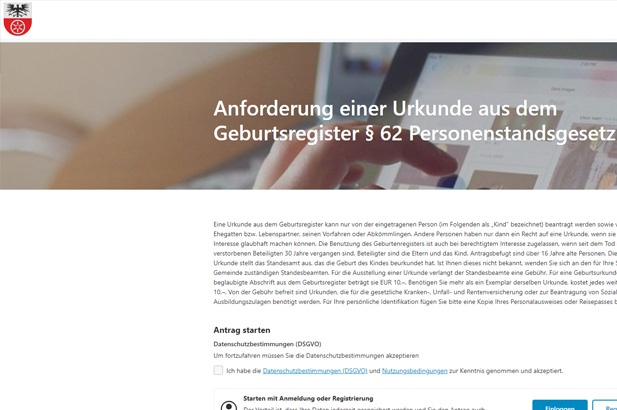
Step 3: Process the application.
Once you have clicked on the application, a new window usually opens where you should now follow the further instructions.
How do I find an important document?
In the PUBLICATION section you will find important announcements and other documents.
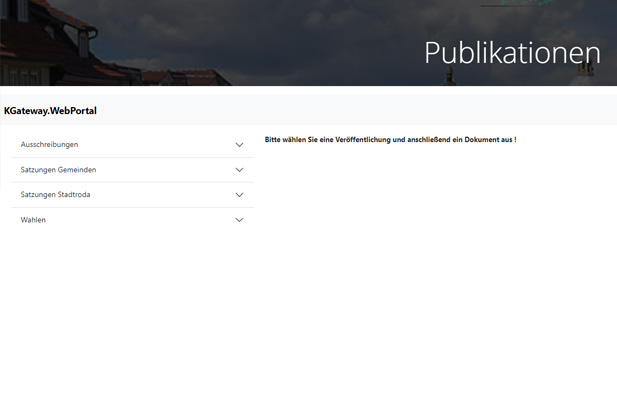
Step 1: Choose the approbriate category
When you access the PUBLICATION section, you will first find an menu with categories and subcategories on the left side. Select the appropriate one here.
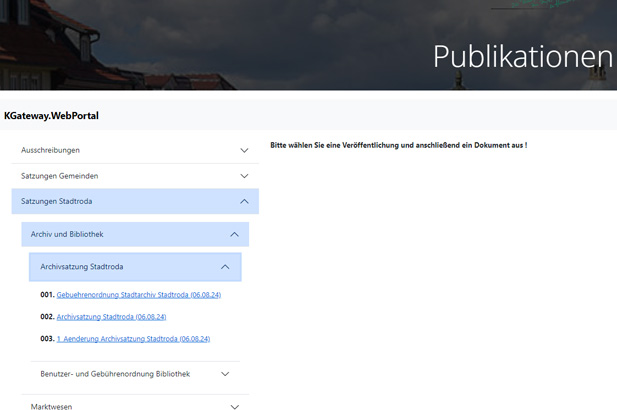
Step 2: Select Document
You will now see one or more documents desplayed for the chosen category. Select the appropriate document.
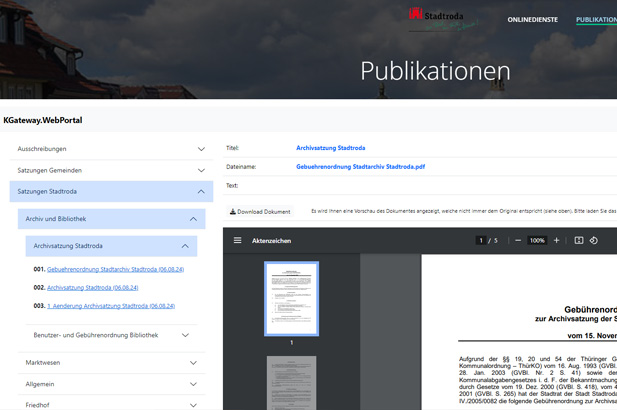
Step 3: View and download document
Now the document will be displayed to you. By clicking the Download-Document-Button you can download the file.